.png?width=1200&height=284&name=BN_1-line_3clr-blk_tag%20(2).png "BN_1-line_3clr-blk_tag (2)")

Share this
by Mark Wyner on Mar 20, 2026 10:10:57 AM
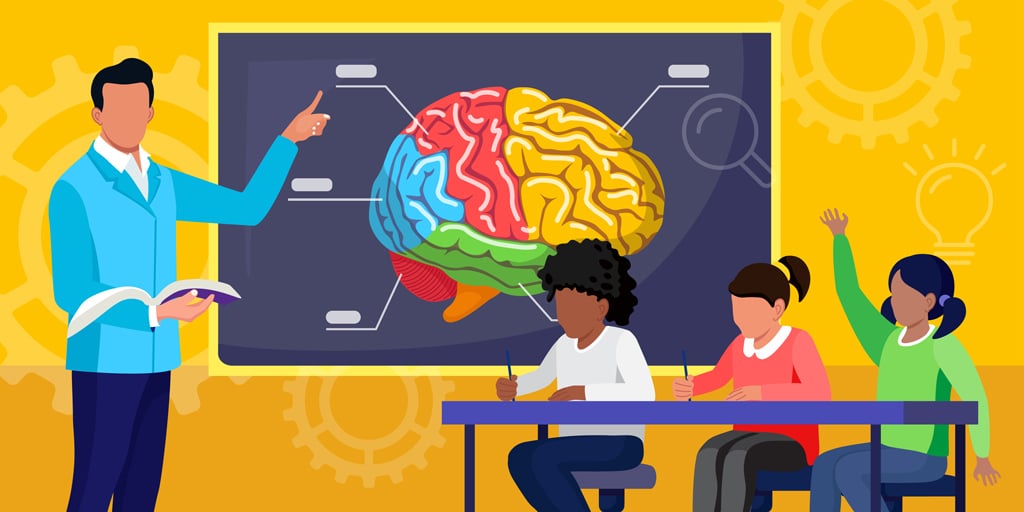
Accessibility is for everyone. Even you. And in the context of education, it’s especially important for students. They can only learn if content is accessible to them. So let’s look at some ways we can help with that.
Legal Requirements vs Inclusive Enhancements
If you’re confused about who governs accessibility in digital spaces, you’re not alone. There are many parties involved. But there’s a place we can focus.
One key law governs digital tools for public education: Title II of the Americans with Disabilities Act (ADA). It stems from the Web Content Accessibility Guidelines (WCAG), created by the World Wide Web Consortium (W3C).
But meeting legal requirements is a baseline. We can do so much better for usability and inclusivity. Legal is good; inclusive is better.
Think of it like footwear. Tennis shoes will get you up the rocky trail (good), but hiking boots will make the trek easier (better).
So what is a requirement and what is an enhancement?
- Legal requirements: accommodate disabilities and people using assistive devices (screen readers, keyboards for interaction, digital/analog magnifiers)
- Inclusive enhancements: reduce cognitive load and help people complete tasks or find information faster (scannability, brevity, visual cues for orientation and interactions)
Consider the following examples of text formatting.
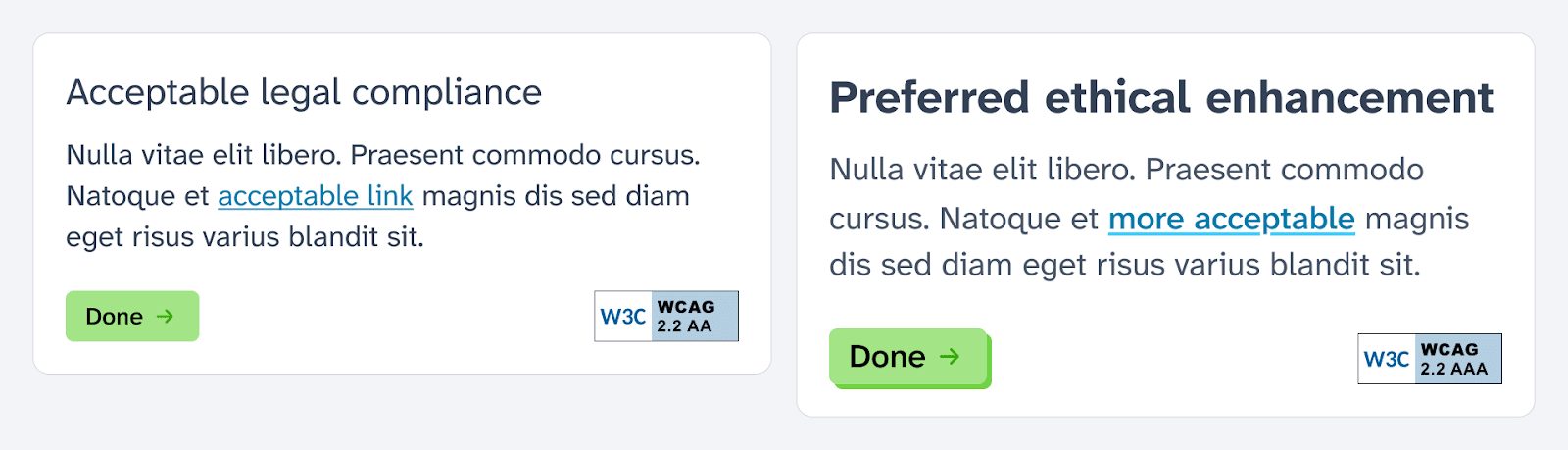
The first passes WCAG 2.2 Level AA compliance. That’s the legal requirement. So we’ve done our job. Right? Perhaps. That’s a great first step.
Now consider this second version. The font sizes are a little larger and the contrast of font weights, sizes, and colors is higher. This passes WCAG 2.2 Level AAA compliance.
This represents a higher level of accommodation, making it easier to read for more people. Even you. Even if you have no disability.
Barriers to Success
Imagine this. You’re looking at student reports in a virtual tutoring platform like BookNook. The data shows they’re struggling, but you know they perform better in the classroom.
The data doesn’t necessarily reflect their learning progress. Their motor skills may be less than average, so they have a hard time using a mouse. Or they may have undiagnosed color blindness or dyslexia, so they can’t read activity answers with low color/letterform contrast.
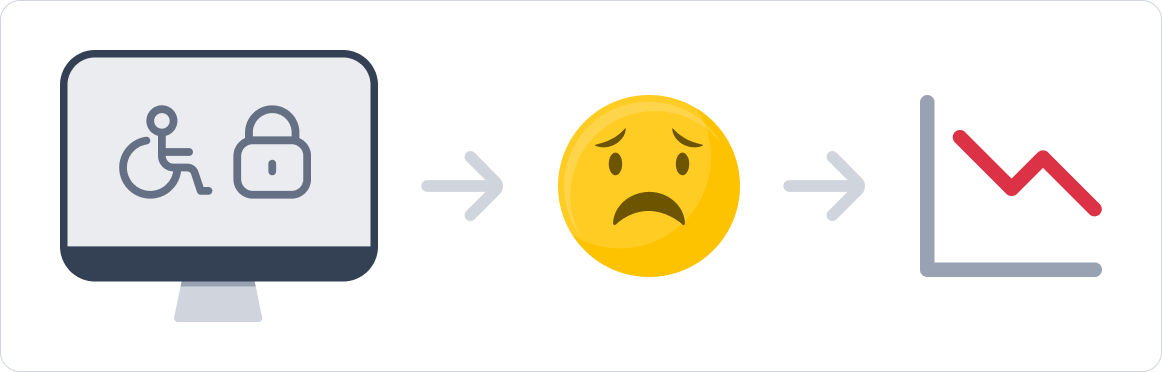
These are barriers that inhibit learning. Barriers we can knock down with accessibility compliance. Then the students are free to learn and show us what they got.
Fostering Growth
Schools and other learning environments are designed to foster growth. They’re designed to give students ideal spaces to learn. Online learning spaces must be given the same effort. This includes, among other things, accessibility accommodations.
One type of accommodation is large click/drop targets with ample space between them. With finite time to complete an activity, a student’s cognitive load is inherently high. We don’t want to compound that by forcing mobility challenges.
So we design large buttons and drag-and-drop targets to improve aim accuracy. Then we build upon that by increasing distance between targets to reduce misclicks.
This specifically accommodates children with low motor-skills and those using eye-tracking devices. But everyone benefits. Improving interaction time and simplicity reserves energy for learning. That’s a simple way to foster growth.
BookNook’s Commitment
At BookNook, we are working hard to improve our platform for students. We believe our tools should foster learning in the same way our curriculum and High-Impact Tutoring does.
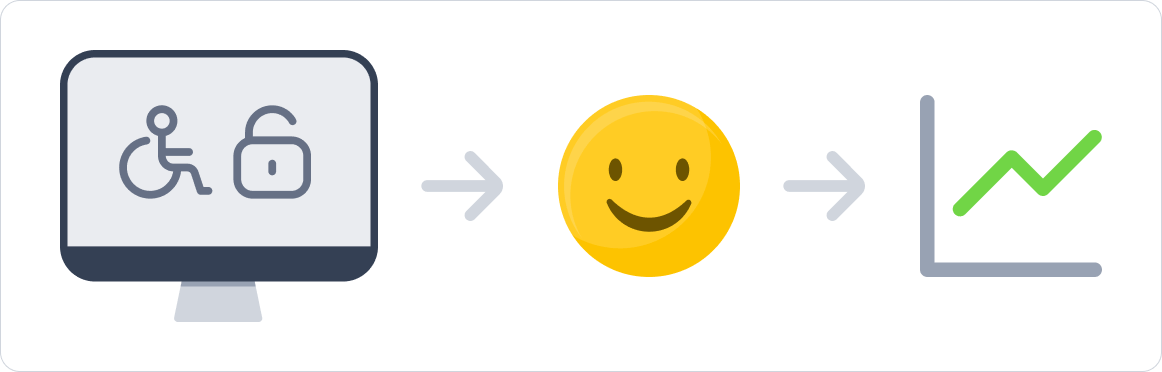
Accessibility accommodations play a big role in this effort. At the forefront is compliance with ADA's Title II legal requirements. But that's not our finish line — true inclusivity means meeting students where they are.
- Situational: fatigue, cognition, trauma, environmental distractions
- Ethnography: language barriers, technology, age, culture/heritage
- Temporary: physical injuries, infections/illness, medical treatment
So we’re redesigning our platform with accessibility front-of-mind. This North Star is guiding every design decision we make. And on route, we are incrementally improving our legacy UI to provide immediate benefits. Because meaningful redesigns take time to get right.
One simple step we took was to choose a new typeface for our UI. We chose it for its balanced aesthetic and readability. Specifically with its letterform distinction and variable font weights for contrast.

These characteristics target students with dyslexia and visual impairments. But they increase readability for everyone. They even help new readers, those with eye strain, and neurodivergent children.
Conclusion
Accessibility is paramount to fostering equitable growth in education. Be it a digital or physical classroom, it warrants the same level of attention. So let’s reduce the barriers, giving all kids a fair opportunity to learn.