

Share this
by Lauren Primuth on Apr 10, 2026, 7:15:00 AM

Students are inundated with screens from the moment they wake up to the time when they go to sleep. But, classrooms leverage a hybrid of screentime for a purpose. Teachers know how to blend activities to create learning experiences, but what happens when the students aren’t in the room with you?
Well, that is where the work of good instructional design comes into play. Instructional designers help create robust learning experiences in the digital classroom. They make learning come alive for students. They transition passive screen time to active learning, making content and the act of learning come alive.
What is an Instructional Designer?
An instructional designer, sometimes called a learning designer or learning and development manager, takes their knowledge of how learning takes place and combines it with the target material. They understand how humans learn and interact with technology.
Instructional designers know how to organize materials in a way that scaffolding is implicit and how to embed knowledge checks into each facet of learning. They build off of what works for a learner and put their knowledge of learning technology to use to enhance the design of learning. This design of learning becomes a Learning Experience.
What is a Learning Experience?
Simply put, a Learning Experience is the layering of different learning elements into one space that makes students engage with new materials so that they can transition new ideas into knowledge, in the simplest of terms, learn.
In practice, this looks like things that teachers already do, like:
- asking follow-up questions,
- guiding students
- giving them time to process
A learning experience is not one simple activity but a collection of activities that are leveraged to meet learning goals and objectives.
How do instructional designers make learning materials come to life?

https://bokcenter.harvard.edu/sites/g/files/omnuum6756/files/shadowbok/files/blooms-taxonomy.jpg

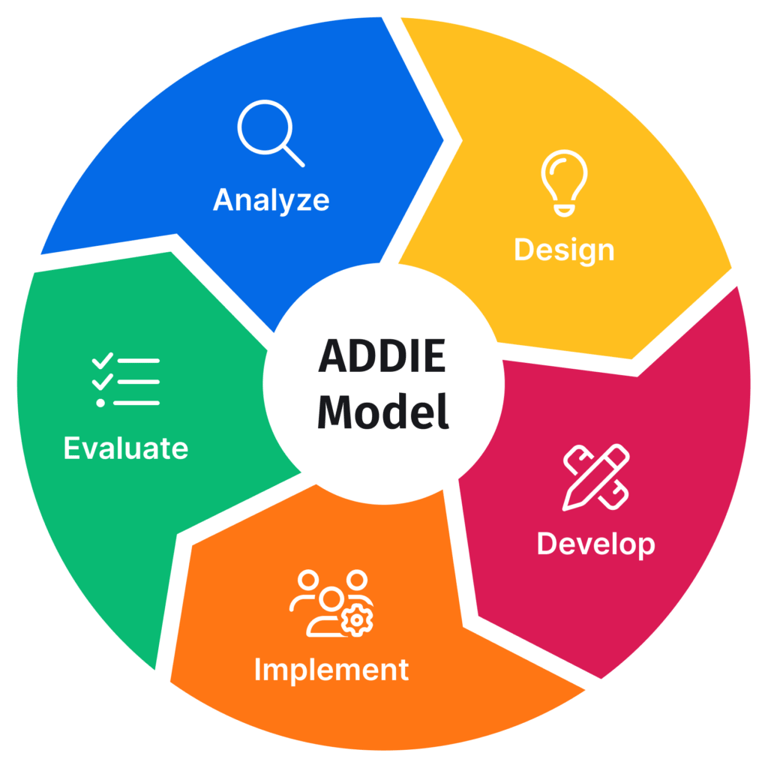
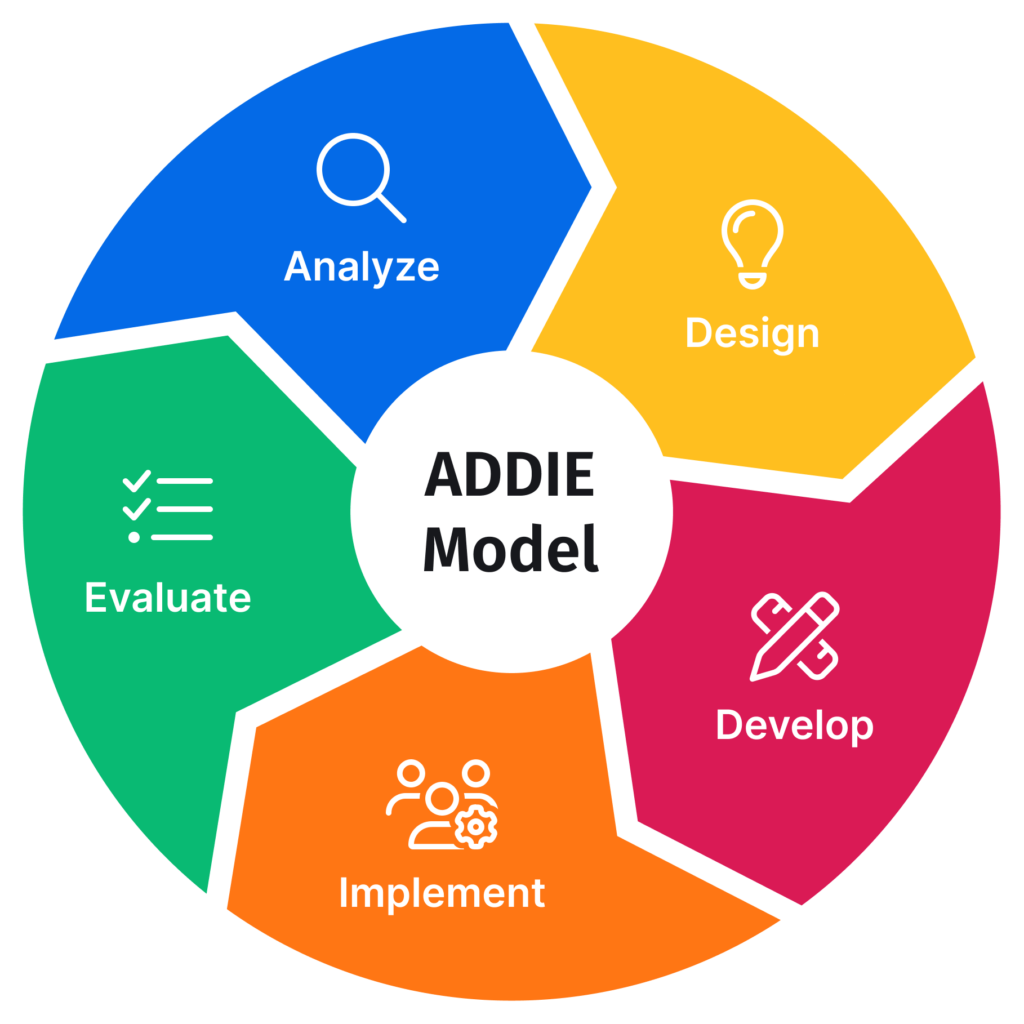
Well, it is not magic; it is the science of learning and understanding how learners learn. They take different approaches and apply it to the materials that they are given. Instructional designers may use Bloom’s Taxonomy to make sure that the learning objectives are aligned with the standards set by the district. They then take those objectives and think about what activities will meet those objectives. Then, they build an activity that a tutor and learner can do. They may also use techniques like the ADDIE model, which is a bit like Backward Design to find the perfect fit for new materials and standards (Wiggins & McTighe, 2005). If all of this sounds familiar and like something most teachers do when writing a lesson plan and teaching in their classroom, well, that is because it kind of is. Instructional design boils down to the basics of good learning experiences… moving a learner from passive to active.
Put into practice, it asks that a learner discuss, question, and play while they are learning. For younger kids and older kids too, it means playing a game to keep the stakes low when working with something unfamiliar. It also means that a tutor or teacher will provide encouragement and gentle feedback. They may ask the learner to sound it out or try again as they are playing the game. Each of these instances takes the new materials and asks the learner to apply what they do know in the environment.
https://www.sessionlab.com/wp-content/uploads/ADDIE-Model-1024x1024.png.webp
How does instructional design work for High Impact Tutoring (HIT)?
In High Impact Tutoring at BookNook, it means that the curriculum is set up to meet learners where they are and to engage them in different ways as they are exposed to new learning materials. For example, a tutoring session may play a vocabulary matching game before the students open the book, so they are familiar with the words. They may engage in some schema building by imagining and discussing what they know about a topic. They may look at the cover of the book they will be reading and guess what will happen.
If all of these learning activities sound familiar, that is because they are instructional design put into practice to make a learning experience. An instructional designer takes each of the elements of “good learning” and translates it into a digital space. An instructional designer knows that a learner needs to build a schema to approach new learning materials. And, they know to move it from short-term to long-term memory, they need to put that new knowledge into action.
Simply put, instructional design is making learning come alive in a new environment. It takes the science of learning and applies it to a digital environment. Instructional design work takes what could be passive and boring, like reading plain text, and asks a learner to do something with it. It means that learning includes questions, activities, discussion, and reflection. It is all the amazing things that take place in a physical classroom translated into a digital environment.
Wiggins, G., & McTighe, J. (2005). Understanding by design (2nd ed.). Association for Supervision and Curriculum Development.